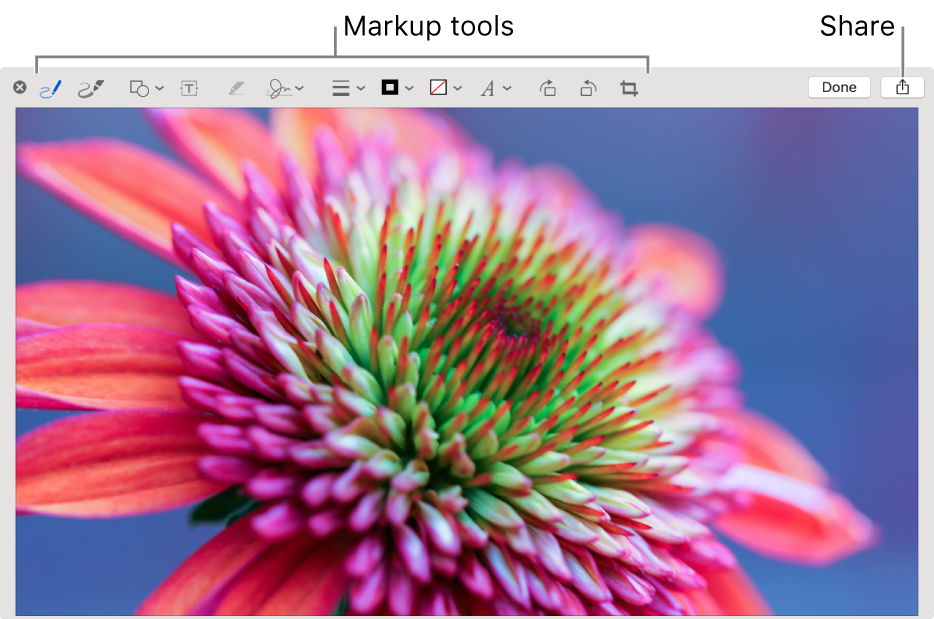
View and Edit files on your Mac
Desired Outcome
- Open a quick preview of any file without opening it
- Annotate, crop, or rotate images or PDFs
Step-by-Step Guide
Quick Look
Quick Look offers a fast, full-size preview of nearly any kind of file without opening the file.
To use Quick Look, press the Space bar to rotate photos, trim audio and video clips, and use Markup to crop photos and annotate images or PDFs.
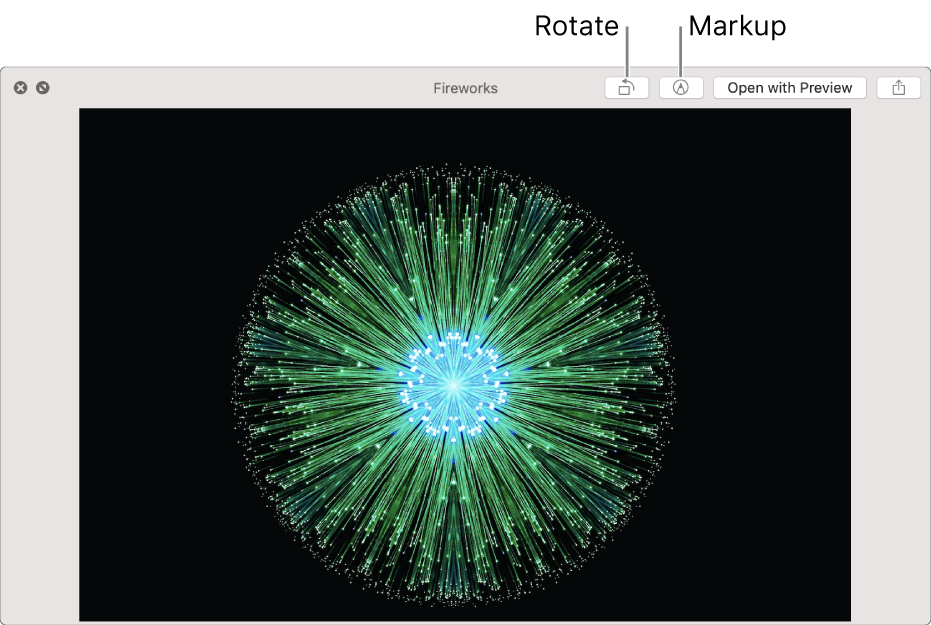
When you open a Live Photo in the Quick Look window, the video portion of the photo plays automatically. To view it again, click Live Photo in the bottom-left corner of the photo.
Mark up files on Mac
You can use Markup in Quick Look and Quick Actions to write, sign, draw on, crop, and rotate images and PDFs.