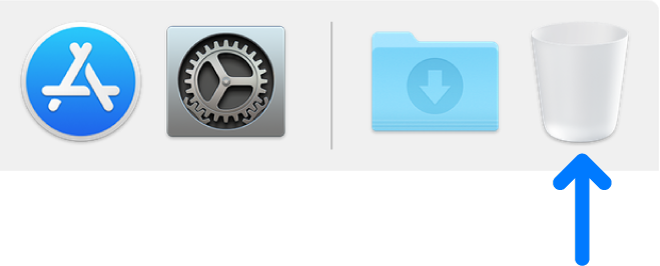
On your Mac, drag the item to the Bin in the Dock or select the item, then press Command-Delete.
If an item is locked, click Continue to confirm you want to move the locked item to the Bin.
Note: If an item is locked, you need to confirm you want to move it to the Bin, or unlock the item before putting it in the Bin.
- To unlock the item first, select it, choose File > Get Info (or press Command-I), then unselect the Locked tick box.
- If you are not logged in as an administrator, you may need to click the lock icon, then enter an administrator name and password.