Print from your Mac
For more detailed information about printing options, see the Advanced printing on your Mac guide.
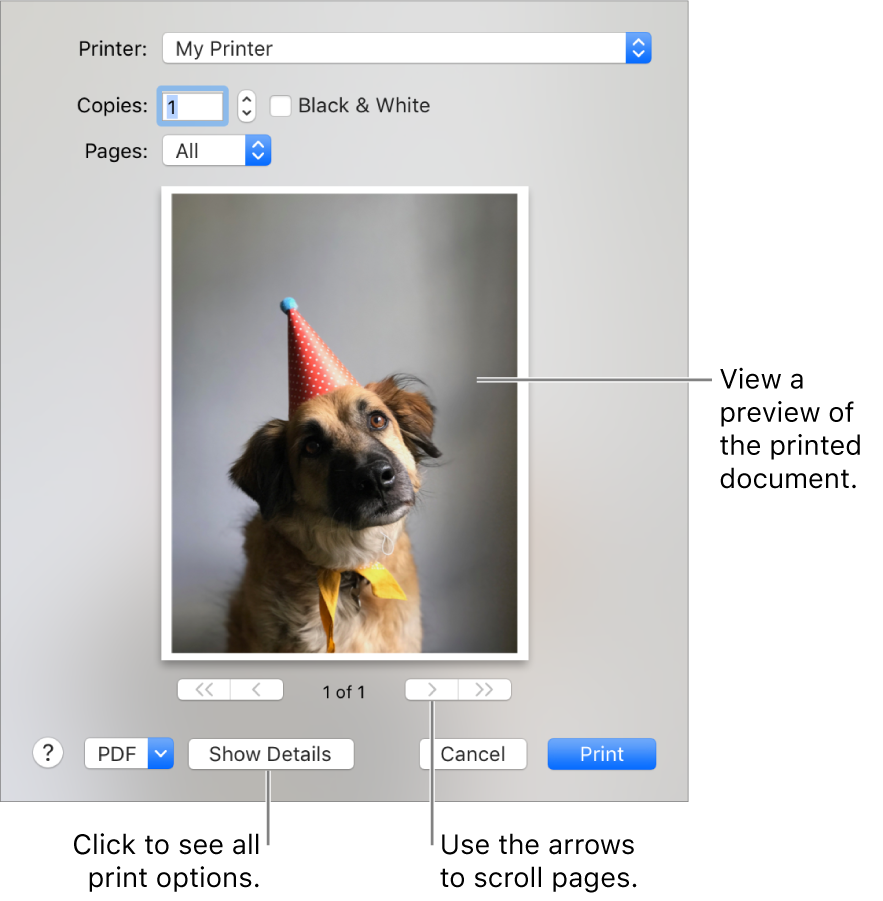
You might see different options in the Print dialogue depending on your printer and the app you’re using. If these instructions differ from what you’re seeing, check the documentation for the app you’re using by clicking Help in the menu bar.
Note: If you print a document and see unexpected margin sizes or clipped text, there may be a conflict between the margins set for your page size in the app and the non-printable area of the page set for your selected printer. Try setting the non-printable area for the page size to zero.