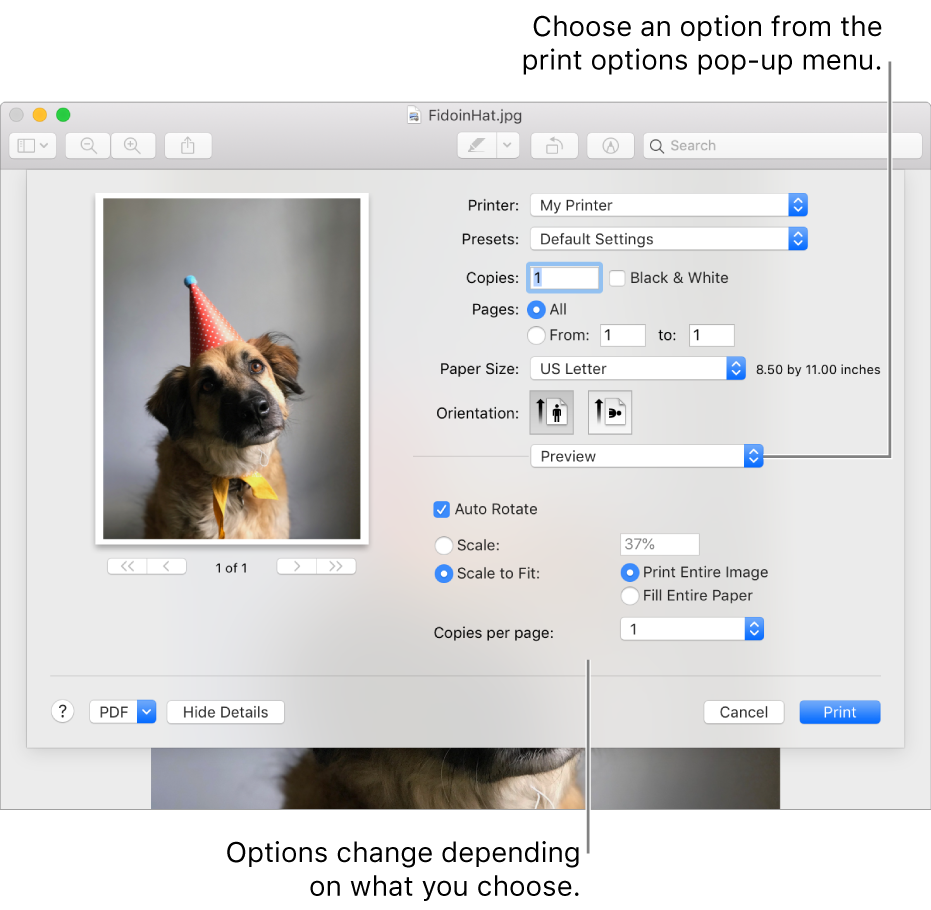
You can specify the paper size when you print.
With a document open on your Mac, choose File > Print.
If you see a Show Details button, click it.
If the Print dialogue has a Paper Size menu, choose a size.
In apps such as Pages or Microsoft Word, you can also specify a page size for a document as you’re working on it. When you print, the document is already formatted to fit the paper size you selected. However, you can choose to scale the document to fit your printer’s paper. To set the document’s page size, choose File > Page Setup, then click the Paper Size menu and choose a size.
In most apps, the Paper Size menu has a Manage Custom Sizes option.